

Install
1
Install the extension
Install MemoryBase from the Chrome Web
Store.
Click Add to Chrome and confirm when prompted.
2
Sign in
Click the MemoryBase icon in your toolbar and sign in with your email.
3
Start chatting
Visit chatgpt.com or claude.ai
and start a conversation. MemoryBase works in the background — it saves
your chats and automatically brings in relevant context from your past
conversations as you go.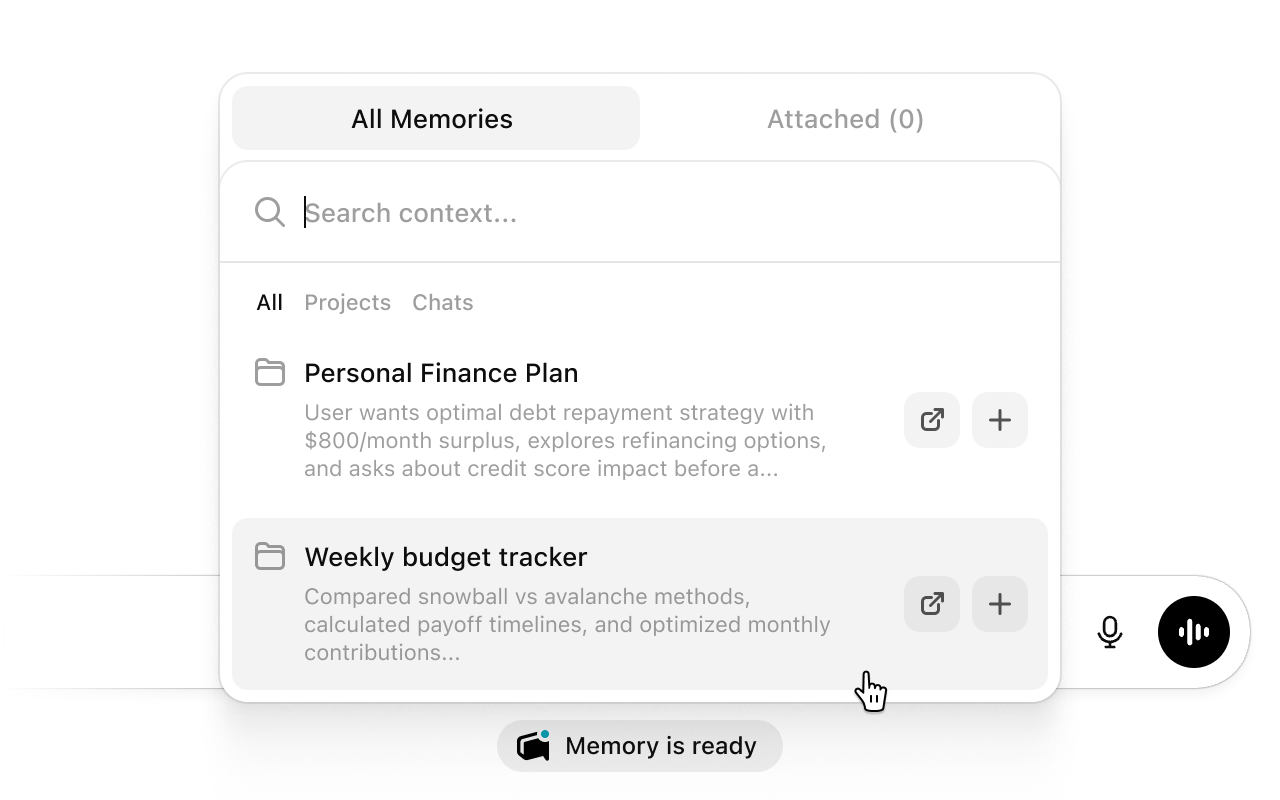
What happens after capture
- Private data removed — personal information is stripped out before anything leaves your browser.
- Synced to the cloud — your conversation is saved, tagged, and summarized automatically.
- Ready to use — search it, organize it into projects, or share it with your other AI tools.